
Record a camera move by flying through your scene like a video game. AutoCam turns that take into an editable path, a rig with animator-friendly controls, and a baked camera you can hand to anyone, without ever opening a constraint stack.
Blender can already animate a camera. What it cannot do is let you perform the move and keep the result editable. AutoCam does: you fly the shot in real time, and what comes back is a proper curve you can reshape, a rig with handles built for animators rather than riggers, and a plain-keyframe camera at the end of it.
Everything is organised around four stages. The sidebar always shows you which one the active rig is in.
Where the motion comes from: a recorded flythrough, or declared camera poses.
An editable curve, simplified to taste and reshapeable in Edit Mode.
The camera that travels the path. Author its speed and where it looks.
Bake to a portable camera with plain keyframes. Export if you need to.
The complete core workflow. No trial period, no watermark, no buttons that ask you to upgrade.
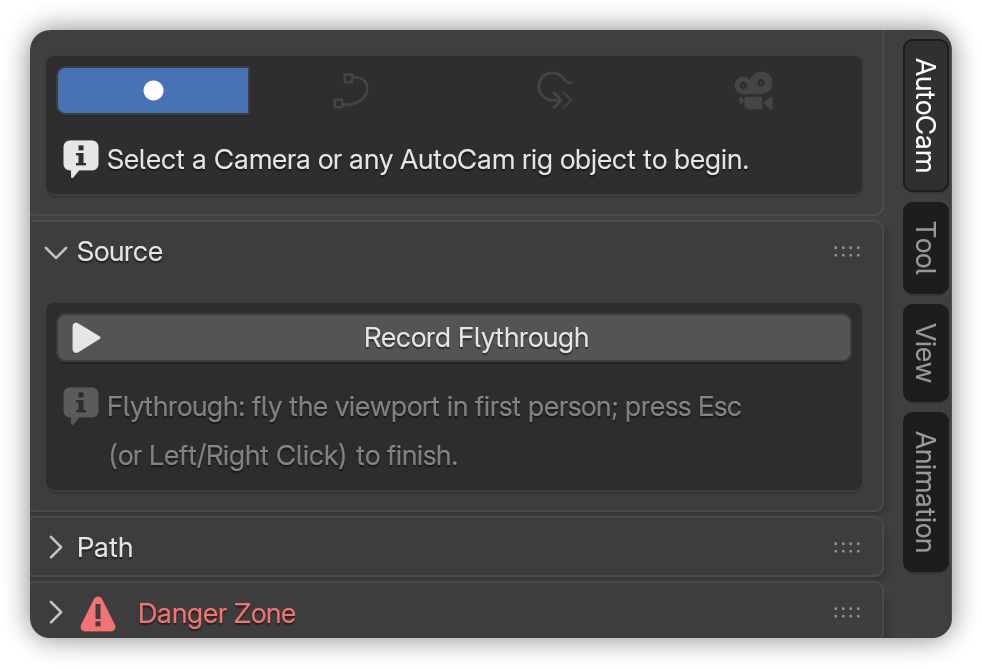
Fly the viewport first-person with WASDQE and the mouse. Look sensitivity, move speed and every key binding are configurable, and an AZERTY preset ships in the box.
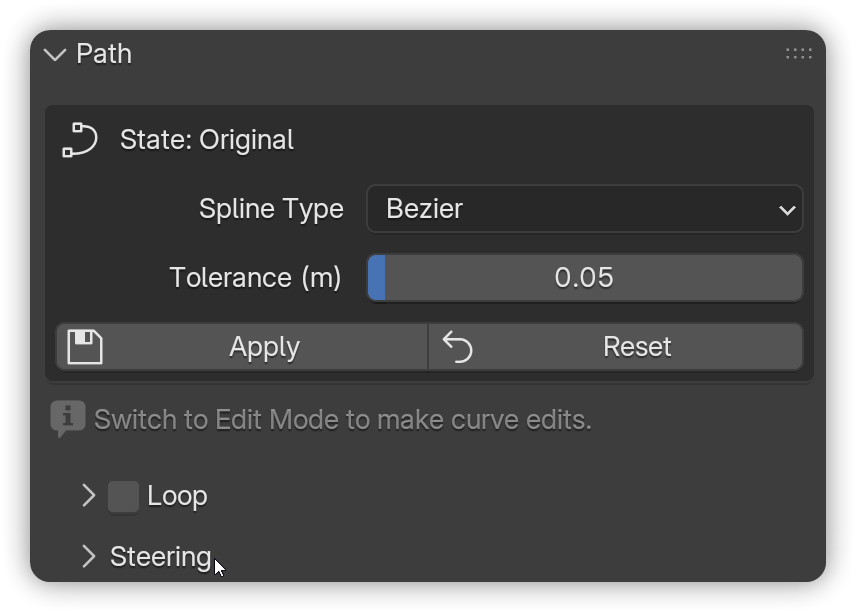
The take becomes a Bezier, Poly or NURBS curve. A Tolerance slider simplifies hand-shake away, Edit Mode changes are picked up with Apply, and Reset always returns you to the recorded path.
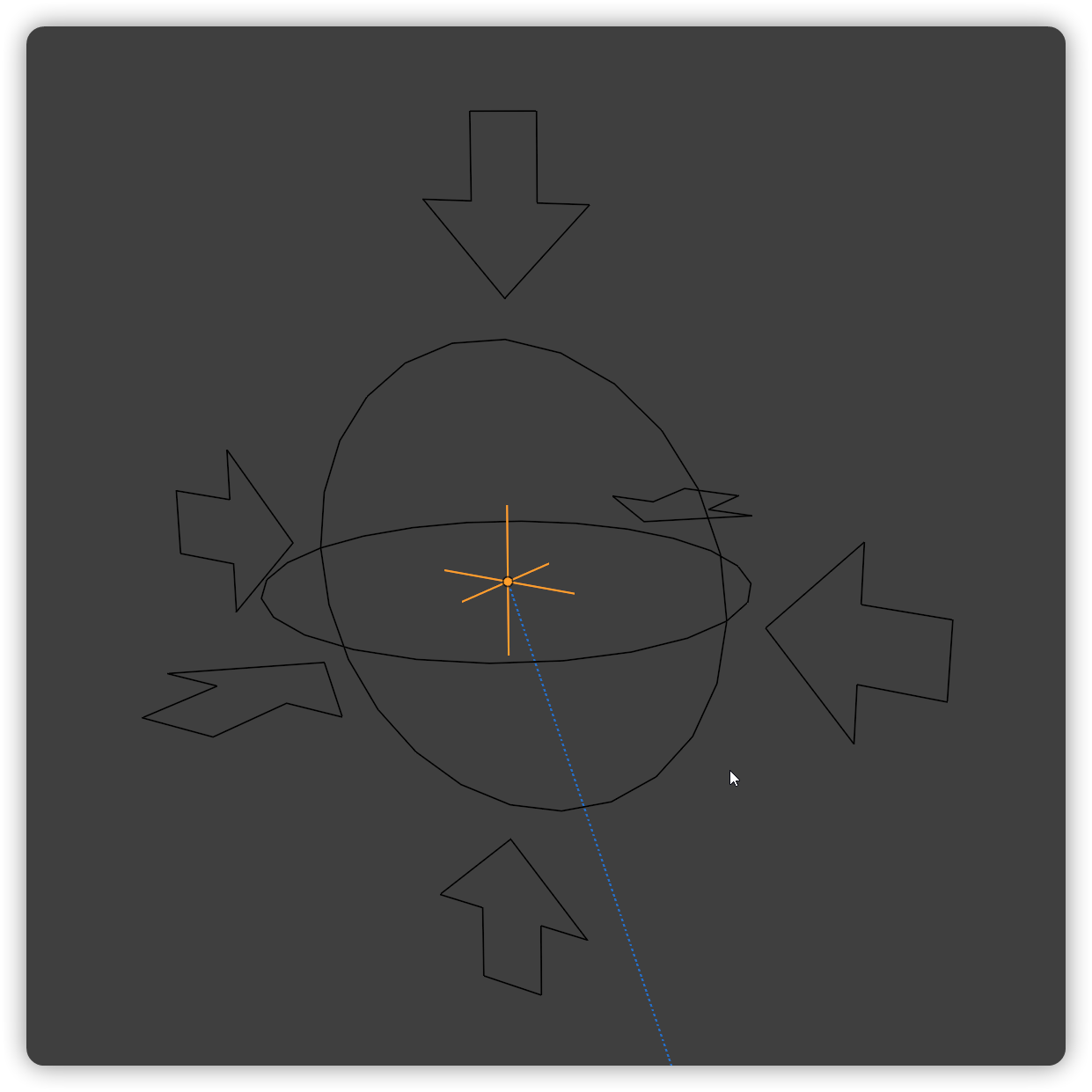
One click builds the whole rig: a Dolly that rides the curve, an Aim you drag to point the camera, and a FocusPoint marking what is sharp. Each one is shaped and colour-coded by role. Progress is a plain 0 to 1 slider: keyframe it to hold, ease, or run the move backwards.
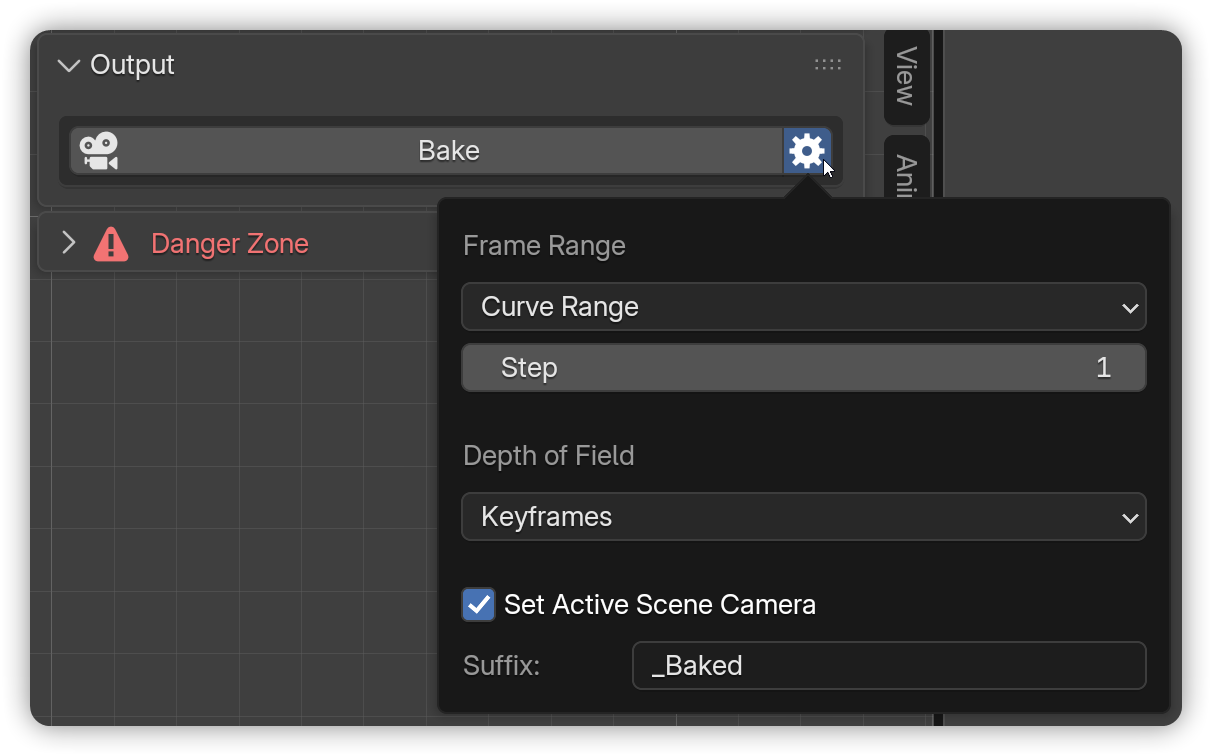
Bake converts the rig into an independent camera with plain keyframes. It is safe for render farms, and it keeps working with the add-on disabled. Changed your mind? Re-Bake runs it again with new settings.
 AutoCam Pro
Free takes you from a flythrough to a baked camera. Pro is what you reach for when the take was nearly right, when the camera needs to watch something, or when one move is not one path.
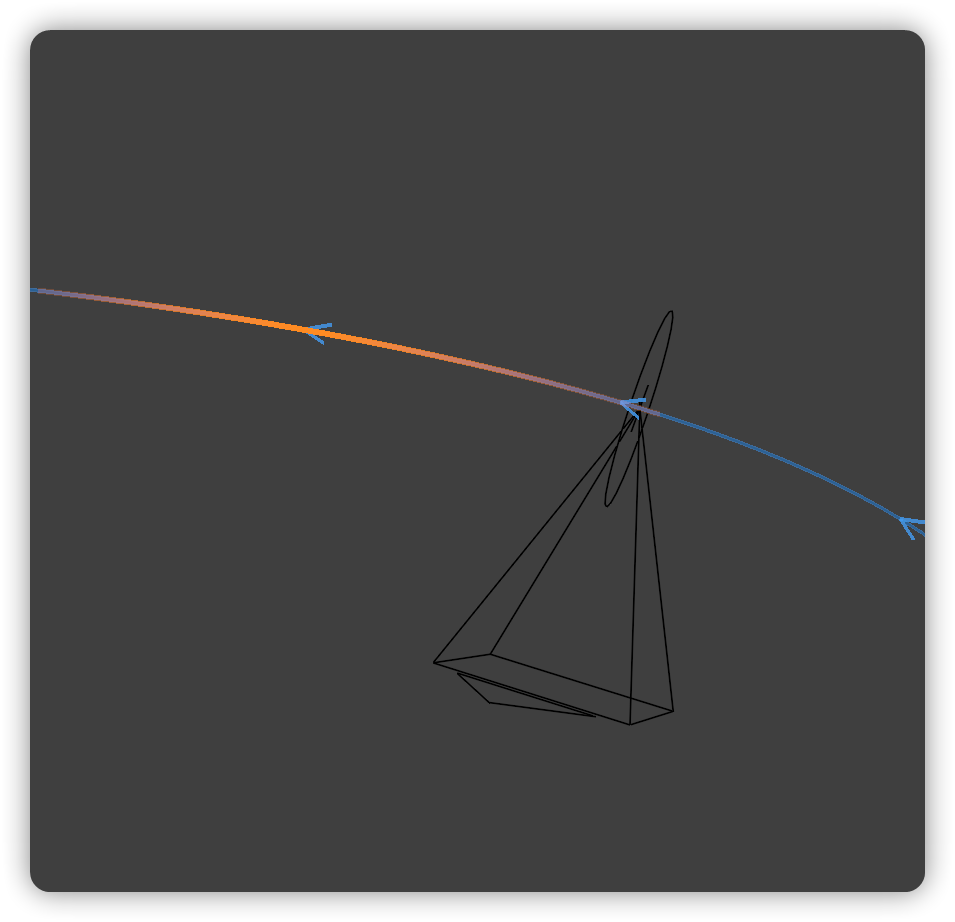
Bend the route live while the shot runs. Arrow keys steer, hold C to smooth a section, hold V to straighten it, and the entire session lands as a single undo step. This is the one for the take that came out 90% right.
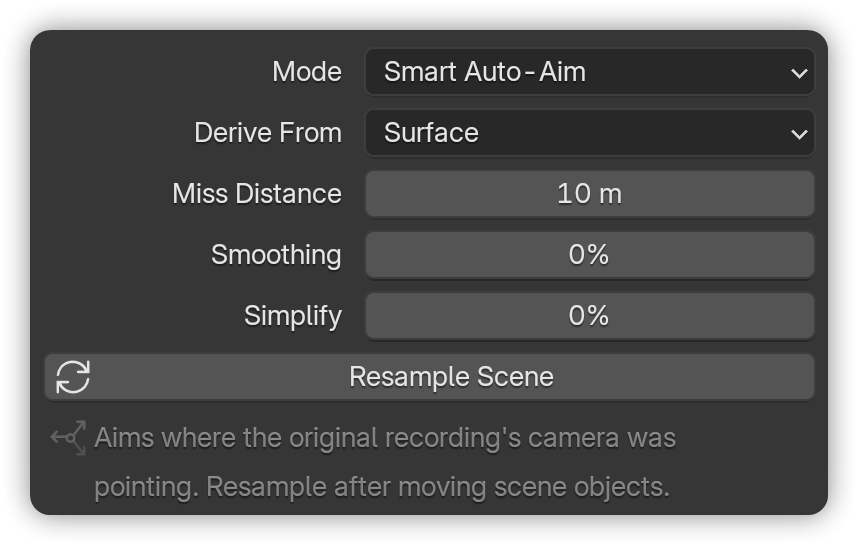
Smart Auto-Aim reads the take back frame by frame, either raycasting onto scene geometry or projecting to a fixed focal distance, and turns it into a clean aim with smoothing and simplify controls. The scene is sampled once and cached, so dragging the sliders updates instantly, with no timeline scrub.
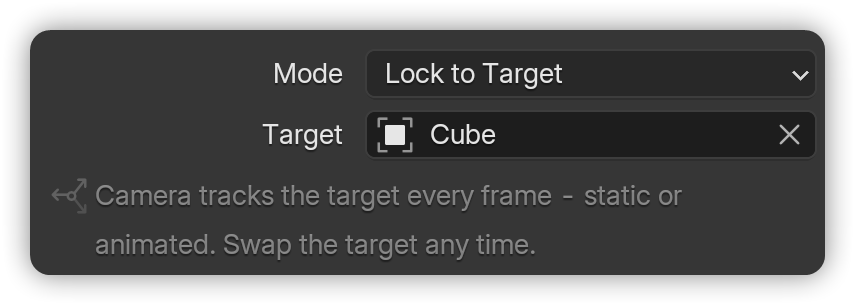
Point the camera at any object and it stays pointed every frame, whether that object is static or animated. Swap the target mid-shot with no rebuild.
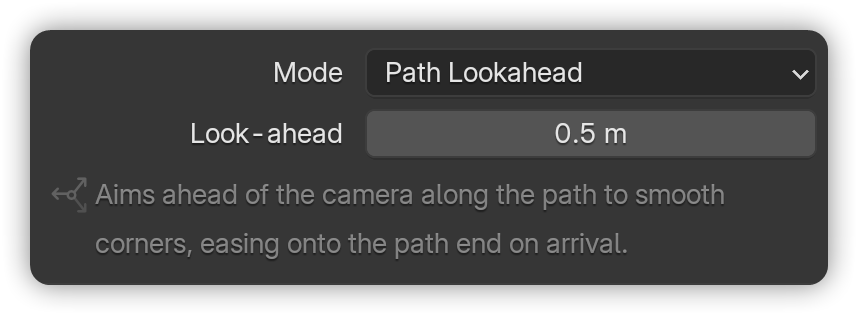
The camera aims a set distance ahead along its own path, so bends steer instead of whipping, and it eases onto the path's end on arrival. Small values are tight and reactive; large ones are long and floaty. Made for corridor flythroughs, drone passes and rollercoaster POV.
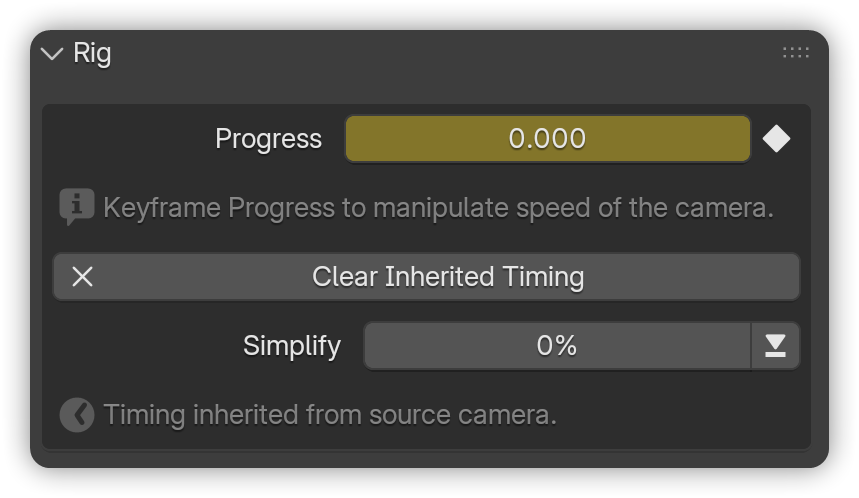
One click and the rig carries your recorded timing onto a clean editable path: every hesitation, drift and acceleration. Thin the result out with a Simplify slider, or clear it and get your hand-made Progress keys back exactly as they were.
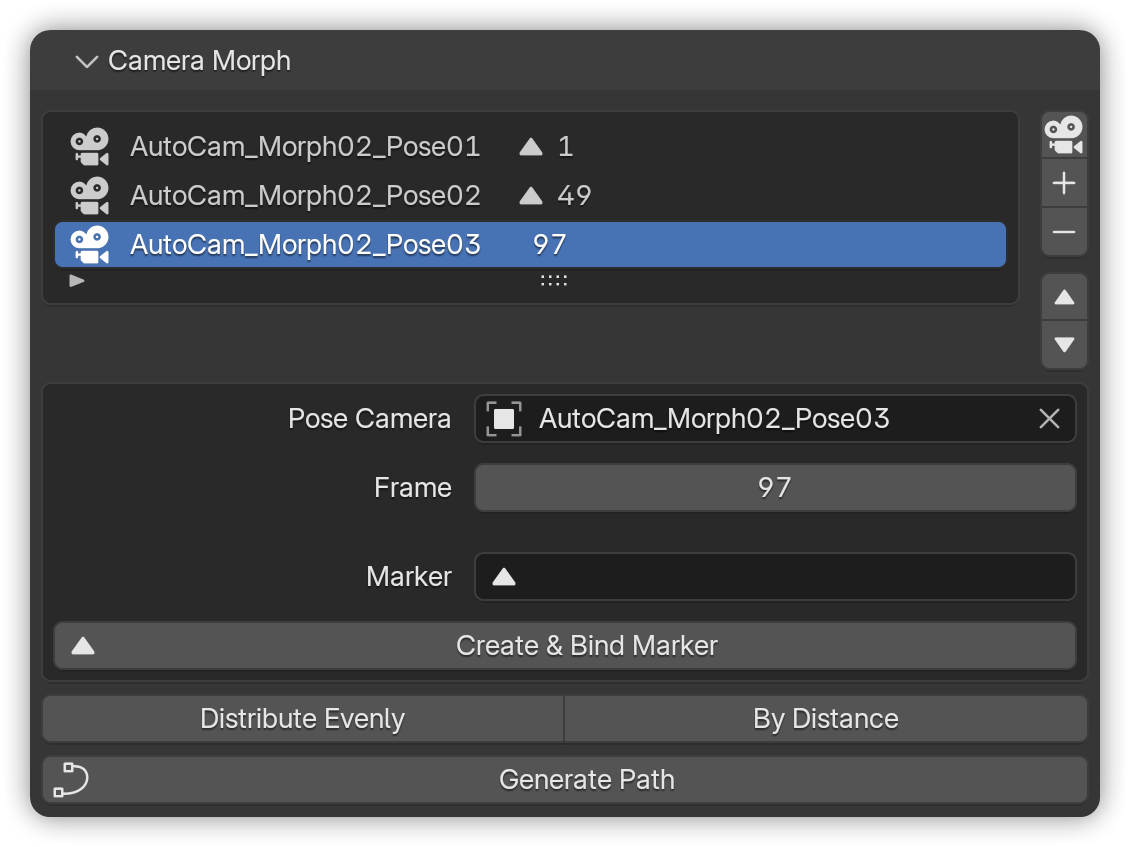
Capture the viewport as a pose, set timing by frame or bind it to a timeline marker, and AutoCam builds one smooth move through them all. Focal length always morphs; when your poses use depth of field, focus distance and f-stop morph too, so two poses give you a push-in with a rack focus.
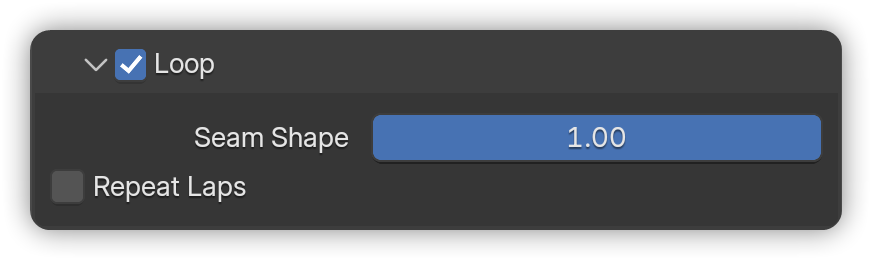
Close the path for turntables, idle loops and endless corridor runs. A Seam Shape slider takes the join from concave to invisible, Repeat Laps keeps the camera going round, and the panel tells you the exact frame to end your render range on for a stutter-free loop. Toggle Loop off and your open path comes back untouched.
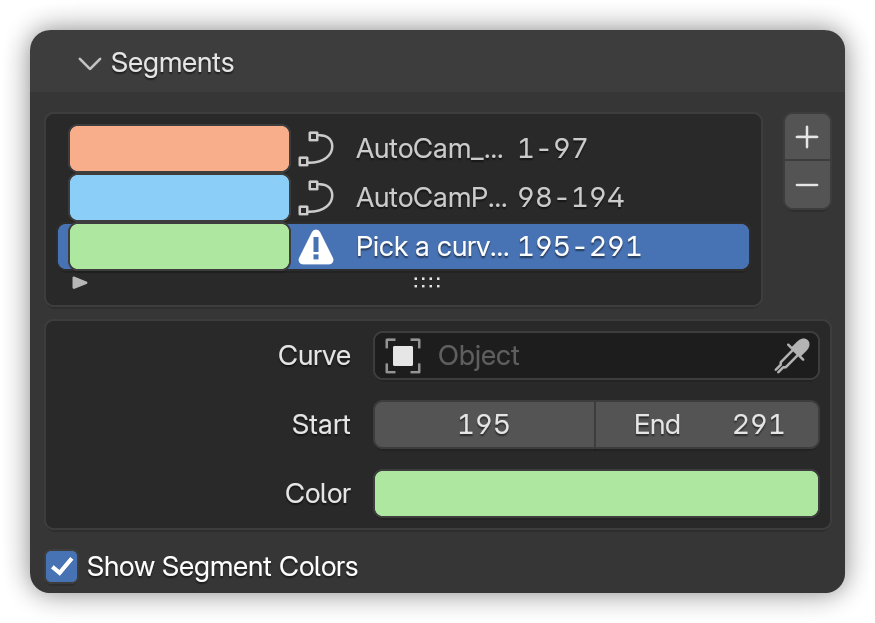
Chain curves, recorded or hand-drawn, into a single move with hard cuts, like blocking a sequence. Per-segment frame windows, repeat laps, and colour-coded viewport overlays so you can see which stretch is which.
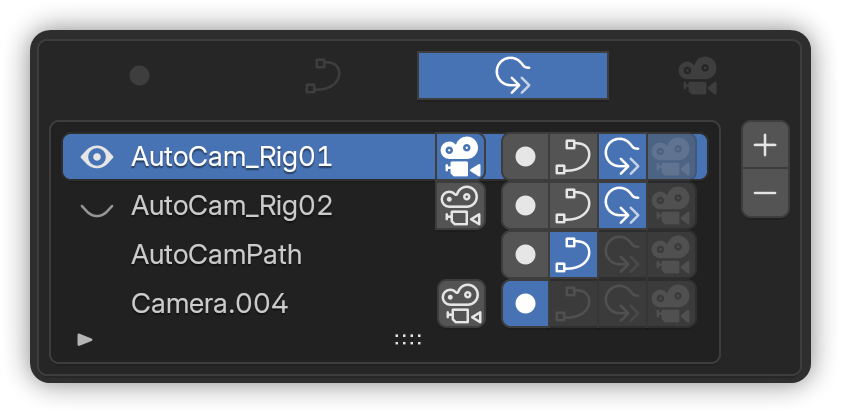
Each row carries a four-cell stage strip you can travel back and forward along. Reverts restore exactly what they took: curve edits, hand-keyed Progress, tracking settings, even the bake's own options. Plus double-click rename, per-rig delete, and viewport selection that syncs both ways.
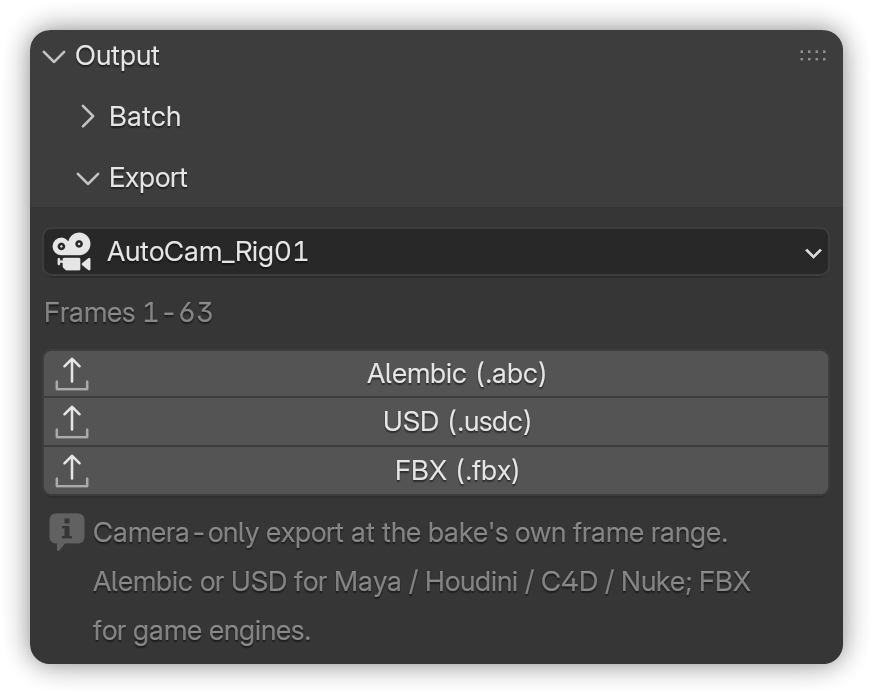
Bake every rig in the scene at once, with per-rig setting overrides where a shot needs them. Then hand the finished camera to Maya, Houdini, C4D or Nuke as Alembic or USD, or to a game engine as FBX. Camera only, at the bake's own frame range.
| Free | Pro | |
|---|---|---|
| Record Flythrough | ||
| Editable path curve (Bezier / Poly / NURBS) | ||
| One-click rig with keyframable Progress | ||
| Manual Aim and Match Recording tracking | ||
| Bake to plain keyframes | ||
| Inherit Original Speed | ||
| Lock to Target | ||
| Path Lookahead | ||
| Smart Auto-Aim | ||
| Realtime Path Steering | ||
| Loop with shaped seam and repeat laps | ||
| Segments | ||
| Camera Morph | ||
| Pipeline hub with revert and restore | ||
| Batch Bake | ||
| Export to Alembic / USD / FBX | ||
| Priority support |
AutoCam Free contains no Pro teasers and no locked buttons. The Pro modules simply are not in the build.
Some things AutoCam deliberately does not do yet. Better you know now than after you buy.
AutoCam Pro replaces AutoCam Free. It is not an add-on to it. Both editions provide the same panels and the same operators, so they cannot run side by side.
Disable and remove AutoCam Free, restart Blender, then install the Pro ZIP without unzipping it. Updating Pro later works the same way: remove the old version, restart, install the new ZIP.
Pro is its own version line, separate from Free 2.x. AutoCam Pro 1.0.0 is built on the shared core of AutoCam Free 2.1.1.
Inherit Original Speed · Lock to Target · Path Lookahead · Smart Auto-Aim · Realtime Path Steering · Loop · Segments · Camera Morph · Pipeline · Batch Bake · Export.
Rebuilt rig handles, sized against your path. The control you drag to point the camera is now called Aim; the pivot behind it is Gimbal. Generate Rig leaves the Aim selected. Full history in the changelog.
 RenderRides
Message me on the store, or reach me directly. I answer everything.